

Download Lomotif APK – Video Editing, Social Sharing, GIFs, Filters, Music Library
Overview
Lomotif is a free video editing and social sharing application designed for users who enjoy creating short-form videos and photo compilations. The app enables users to craft dynamic content using built-in editing tools, an extensive music library, animated stickers, text overlays, and visual filters. It is particularly tailored for younger audiences, including teens and young adults, who seek creative ways to express themselves through visual storytelling.
The platform supports both direct recording from the device’s camera and importing media from the camera roll, offering flexibility in content creation. Users can also engage with a community by following others, sharing posts, and interacting with content through likes and comments. A privacy feature allows users to mark content as “For My Eyes Only,” ensuring it remains private unless explicitly shared.
The app also facilitates cross-platform content integration by enabling connections to Facebook, Instagram, and TikTok accounts. This allows users to import multimedia content from these platforms directly into their Lomotif projects. While the app does not include a reporting mechanism for objectionable content, it provides a guide within the settings section that explains basic editing gestures, such as trimming clips with a slider, pinch-to-zoom, and repeating or erasing segments.
The developer did not provide additional system requirements.
Key Features & Capabilities
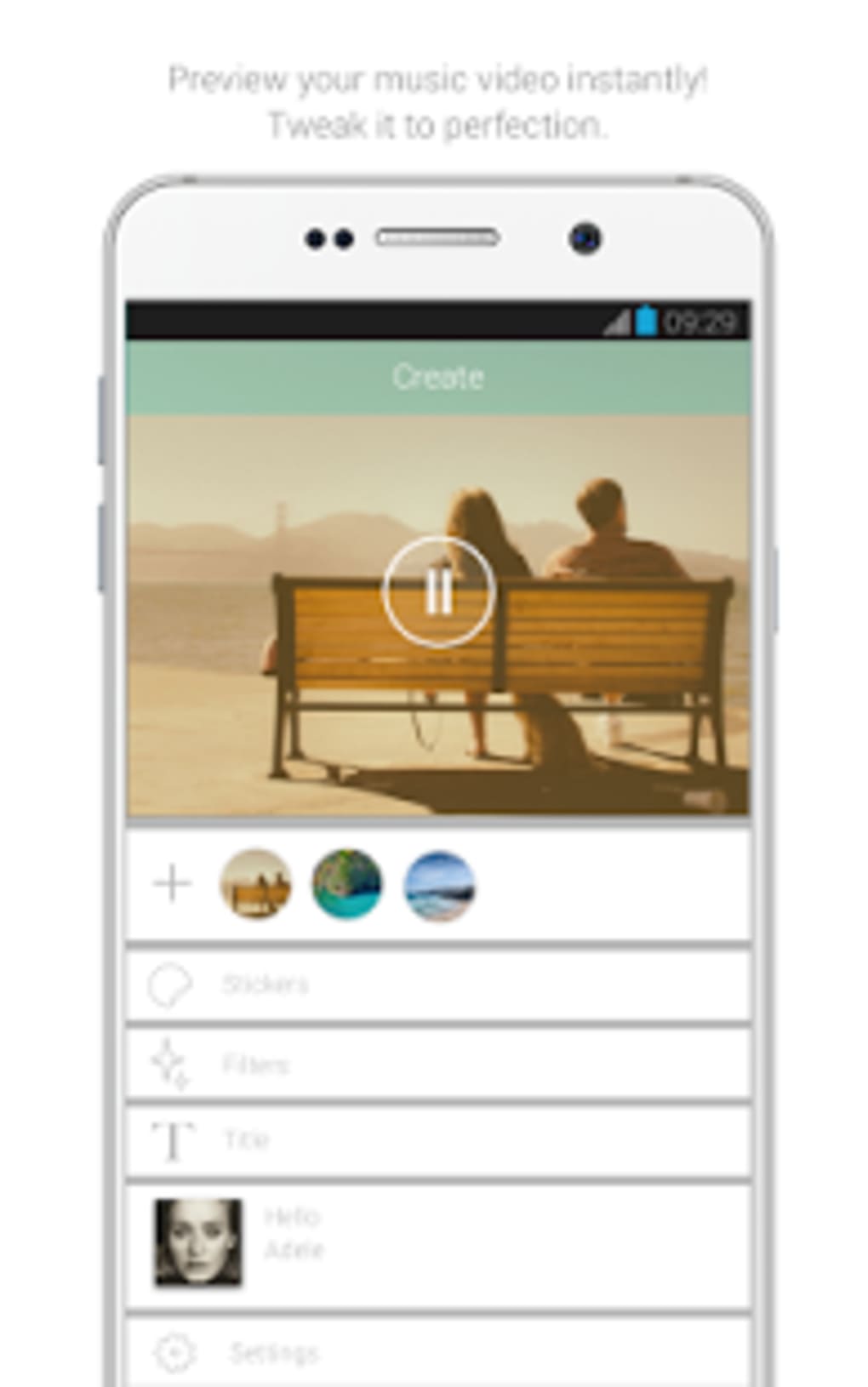
- Video Editing Tools: Users can trim, repeat, and erase video clips using intuitive touch gestures, including slider manipulation and pinch-to-zoom for precise adjustments.
- Animated Stickers & Text Overlays: Enhance videos with animated stickers and customizable text to add personality and context to content.
- Visual Filters & Effects: Apply a variety of filters, including a scratch effect that mimics the sound and look of scratching a vinyl record.
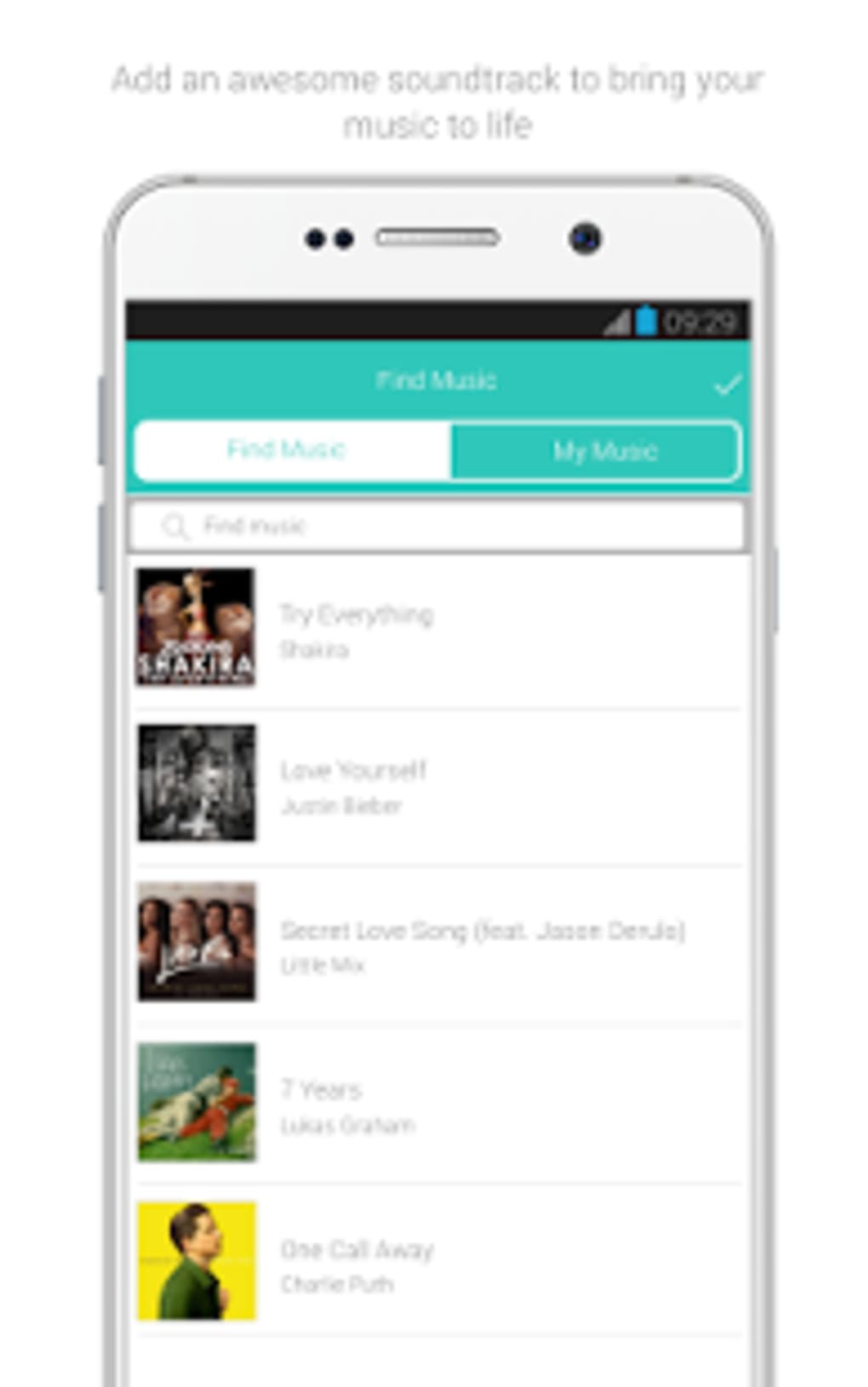
- Extensive Music Library: Access trending songs grouped by genre, theme, and popularity, with the ability to overlay audio directly onto videos or photo compilations.
- Community Interaction: Follow friends, search content by hashtags, and engage with others’ videos through likes and comments.
- Content Sharing & Collaboration: Share personal media with friends for co-creation, or use others’ content in your own videos, fostering a collaborative environment.
- Privacy Controls: Mark videos as private using the “For My Eyes Only” option, ensuring content is not publicly visible on the feed.
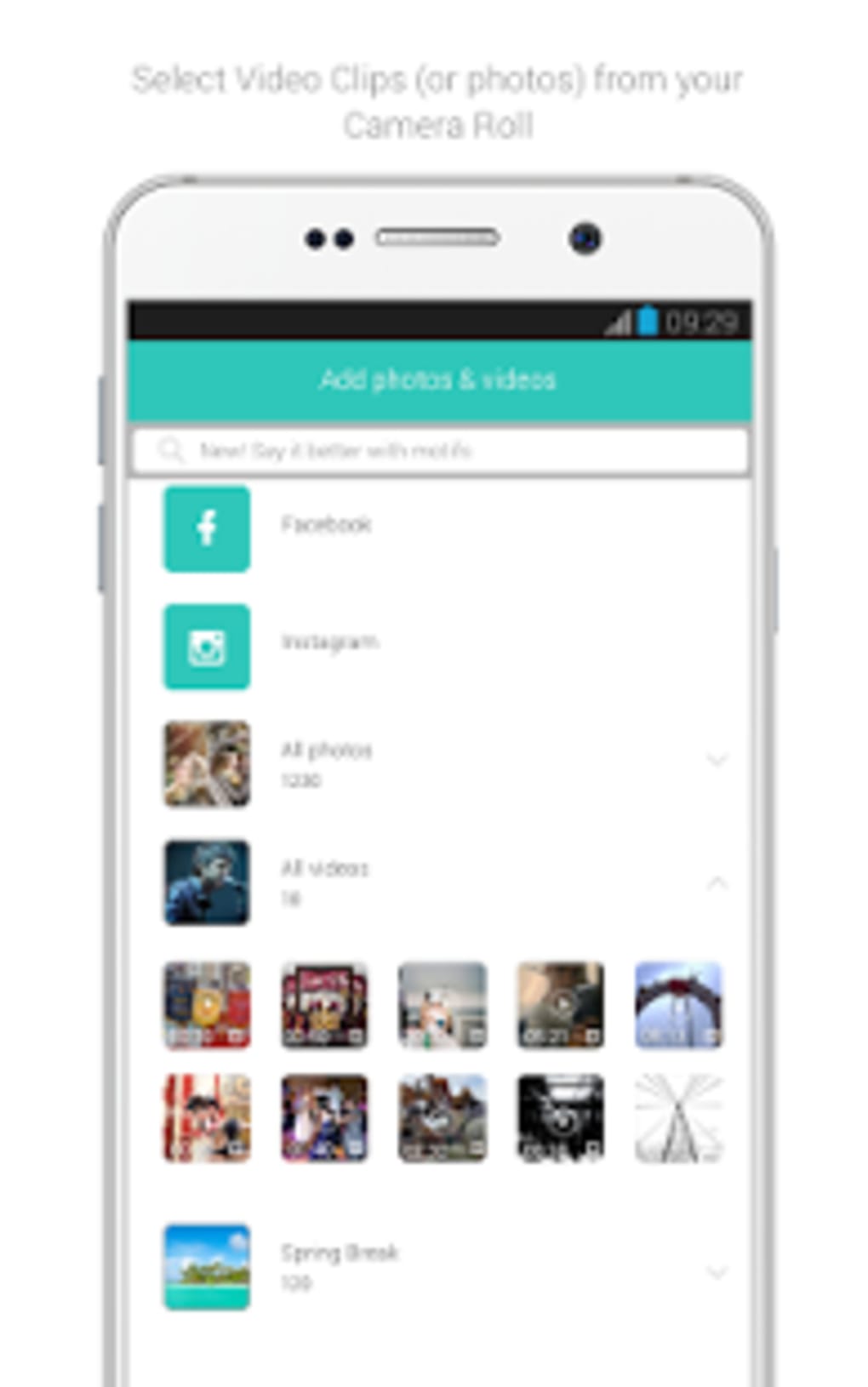
- Multi-Platform Integration: Link Facebook, Instagram, and TikTok accounts to import content directly into the app.
- Local Storage Access: Save edited videos to the device’s storage for offline access or backup.
User Interface, Workflow & Performance
The user interface of Lomotif is designed with a focus on accessibility and intuitive navigation, making it suitable for users of varying technical skill levels. The main screen features a continuous reel of video content in the “Featured Stream,” allowing users to browse trending clips easily. Navigation is primarily gesture-based, with swipe actions for moving between clips and a dedicated menu for accessing editing tools.
The editing workflow is streamlined, guiding users through each step with visual cues and on-screen prompts. A built-in tutorial in the settings explains core editing functions such as trimming, zooming, and repeating clips, helping new users get started quickly. The app supports both camera recording and importing from the device’s gallery, ensuring flexibility in content creation.
Performance observations are based on general software behavior patterns. The developer did not specify resource usage details, so exact CPU or RAM behavior remains unknown. Stability appears consistent during typical use, though no official benchmarks were provided.
The app is designed to run on mobile devices, and its performance may vary depending on hardware capabilities.
Compatibility & System Requirements
Lomotif is available for both Android and iOS platforms. The current version is 2.2.2, released on April 5, 2024. The installation file size is 48.7 MB.
The developer did not specify exact system requirements, including minimum hardware specifications such as RAM, processor, or storage space. Compatibility information was partially provided. Users should ensure their device meets general requirements for running modern mobile applications.
The app requires access to the camera and image library to function fully, as well as permissions for microphone access during recording. No information was provided regarding offline functionality or cloud synchronization beyond local storage.
Pros and Cons
Pros
- Free to download and use with optional in-app purchases.
- Intuitive interface with built-in tutorial for new users.
- Rich set of editing tools including filters, stickers, text, and scratch effects.
- Extensive music library with trending and genre-based categorization.
- Supports content sharing, collaboration, and cross-platform integration.
- Privacy option to keep videos private until ready to share.
- Ability to save edited videos to local device storage.
Cons
- No built-in content flagging or reporting system for inappropriate material.
- Missing detailed system requirements or performance benchmarks.
- Privacy settings may not be sufficient for younger users without parental supervision.
- Community content may include adult material despite the app’s appeal to teens.
- Limited information on offline functionality or cloud backup.
FAQ Section
Is Lomotif available for both Android and iOS?
Yes, Lomotif is available for both Android and iOS devices.
Can I use Lomotif without an internet connection?
Basic editing and playback functions may work offline, but features like content sharing, community browsing, and importing from social media require an active internet connection.
Is Lomotif safe for teenagers?
Lomotif is designed with teens and young adults in mind, but users should be aware that the community may contain adult content. Parental supervision is recommended for younger users.
Does Lomotif offer in-app purchases?
Yes, while the app is free to download and use, it includes optional in-app purchases for additional features or content.
Can I link my social media accounts to Lomotif?
Yes, users can connect their Facebook, Instagram, or TikTok accounts through the settings section to import content directly into their projects.
Final Thoughts + CTA
Lomotif stands out as a vibrant, interactive platform for creating and sharing short-form video content. With its blend of creative editing tools, a well-curated music library, and a social community for collaboration, it offers a compelling experience for teens and young creators. The intuitive interface and built-in tutorial lower the barrier to entry, making it accessible even for beginners.
While the lack of a content reporting system and unclear privacy safeguards may raise concerns, the app’s core functionality remains strong. It is ideal for users who enjoy experimenting with visual storytelling, music, and social interaction. The ability to save videos locally and integrate with other platforms adds practical value.
For those seeking a fun, creative, and community-driven video editing tool, Lomotif delivers a dynamic experience. Download Lomotif now to start crafting unique videos and connecting with a global creative community.





.png)

